Point at it.
Comment on it.
Done.
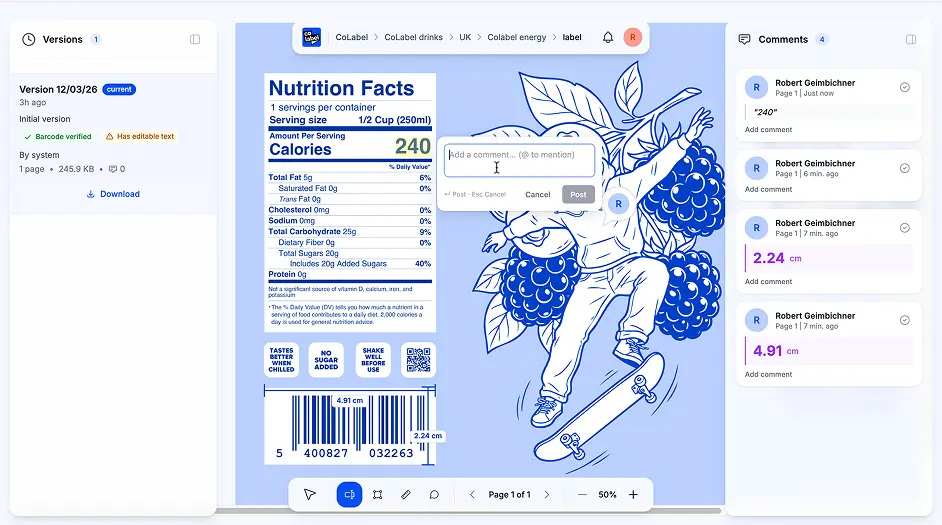
No more PowerPoints with arrows. No more "see the red circle on page 3." Just click on any element, leave your comment, and your team gets notified instantly.
This is how people still give
feedback in 2026

PowerPoint with screenshots and red arrows pointing at issues

Email thread: "On page 2, third line from bottom, the word after ingredients…"

Photo of printed label with handwritten circles

WhatsApp voice message trying to describe a 2mm spacing issue

Separate Word doc listing 47 comments by page number
PowerPoint with screenshots and red arrows pointing at issues
Email thread: "On page 2, third line from bottom, the word after ingredients…"
Photo of printed label with handwritten circles
WhatsApp voice message trying to describe a 2mm spacing issue
Separate Word doc listing 47 comments by page number
There's a better way. Just click where you mean.
Feedback that actually makes sense

Tools built for print materials
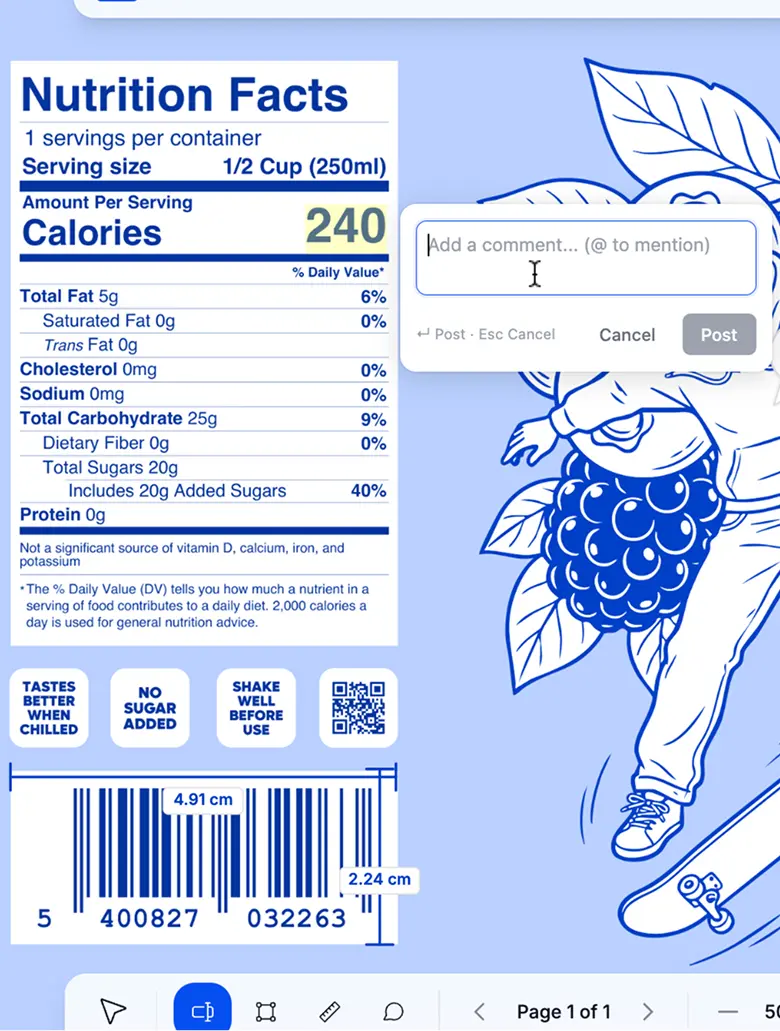
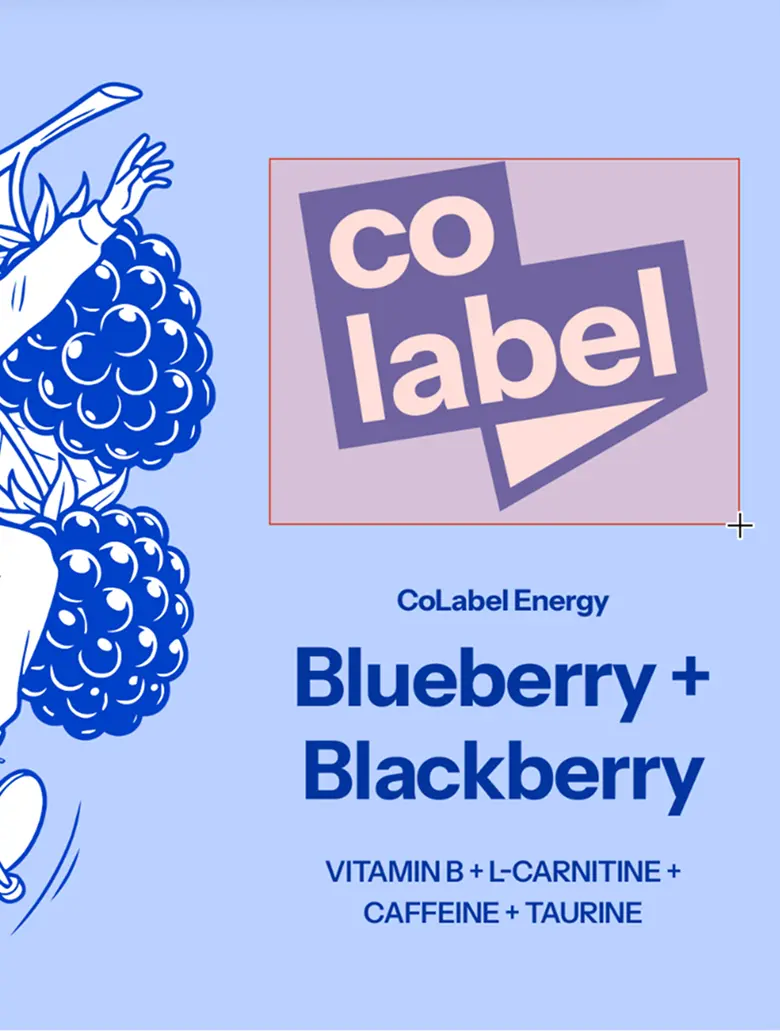


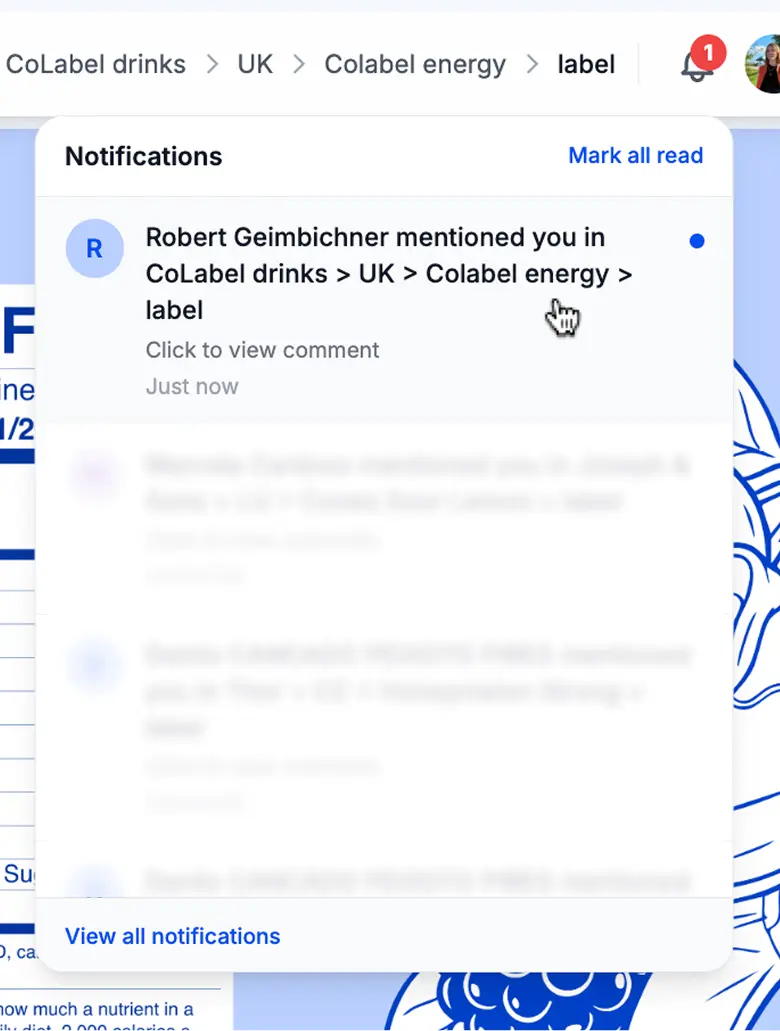
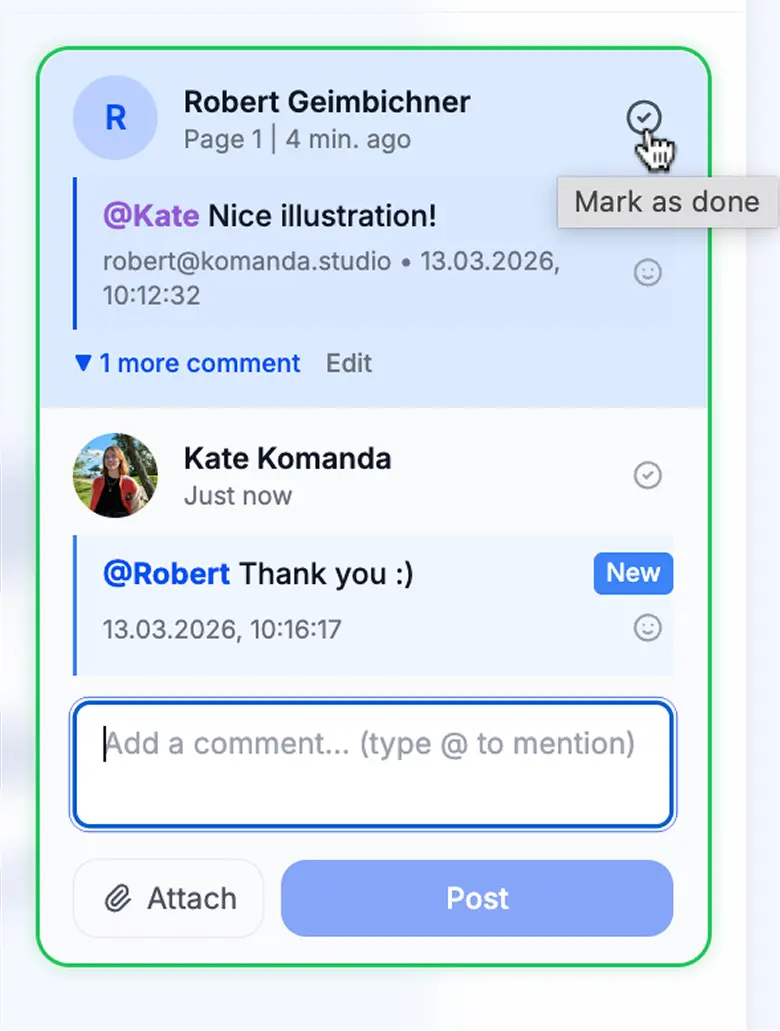

Highlight Text
Select any text on the label and highlight it. Add a note explaining the issue. Perfect for catching typos, wrong translations, or missing legal copy.

Draw & Markup
Draw rectangles, circles, arrows, or freehand. Mark up any visual element — logos, icons, images. Your annotations stay attached to the file, not lost in email.

Measure in Millimeters
Select any element and see its real print size in mm. Check if that barcode is big enough. Verify the minimum font size for compliance. No ruler needed.

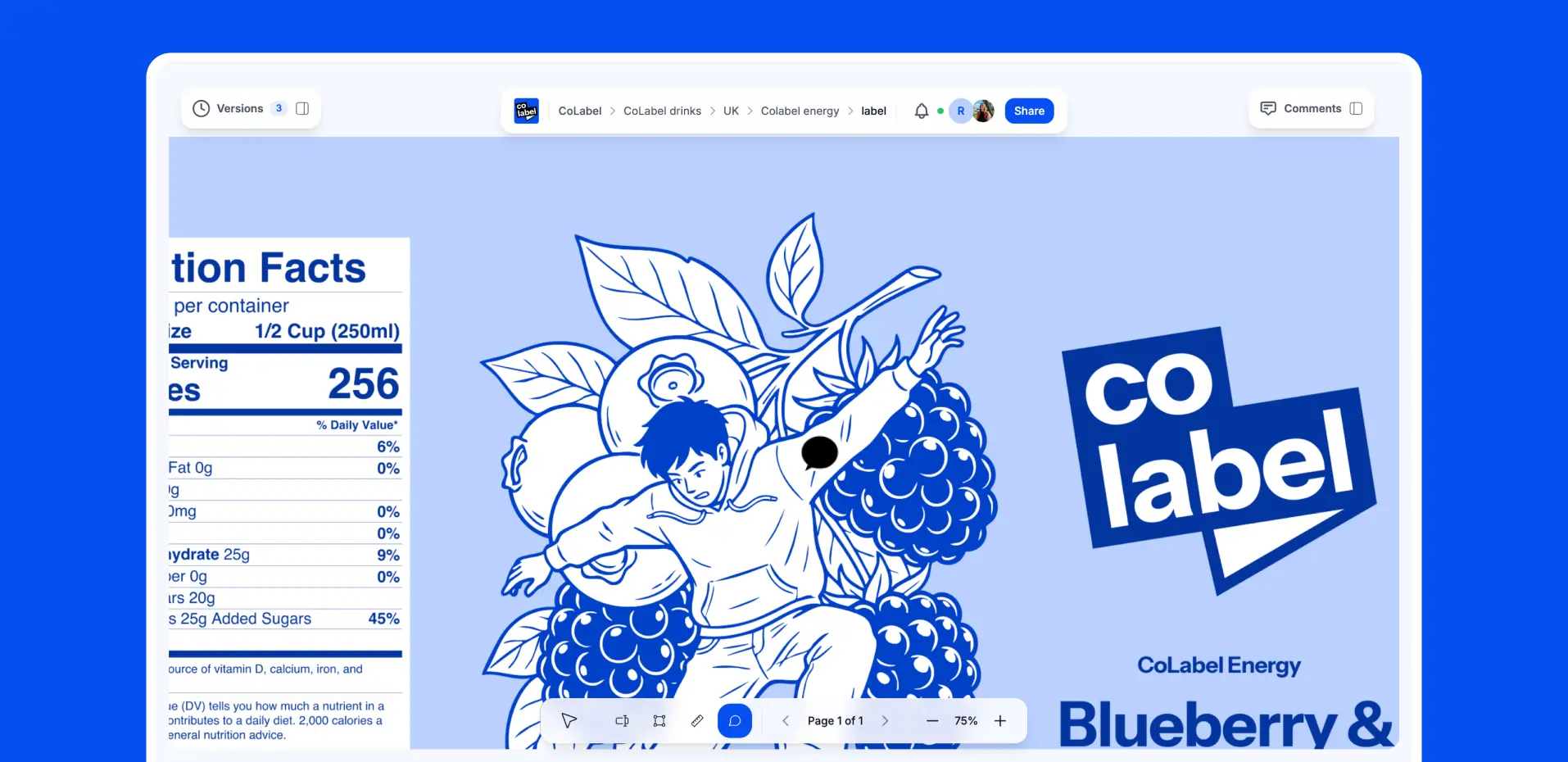
Pin Comments Anywhere
Drop a pin anywhere on the PDF — on an image, on whitespace, on a gradient. Leave your comment exactly where it matters.

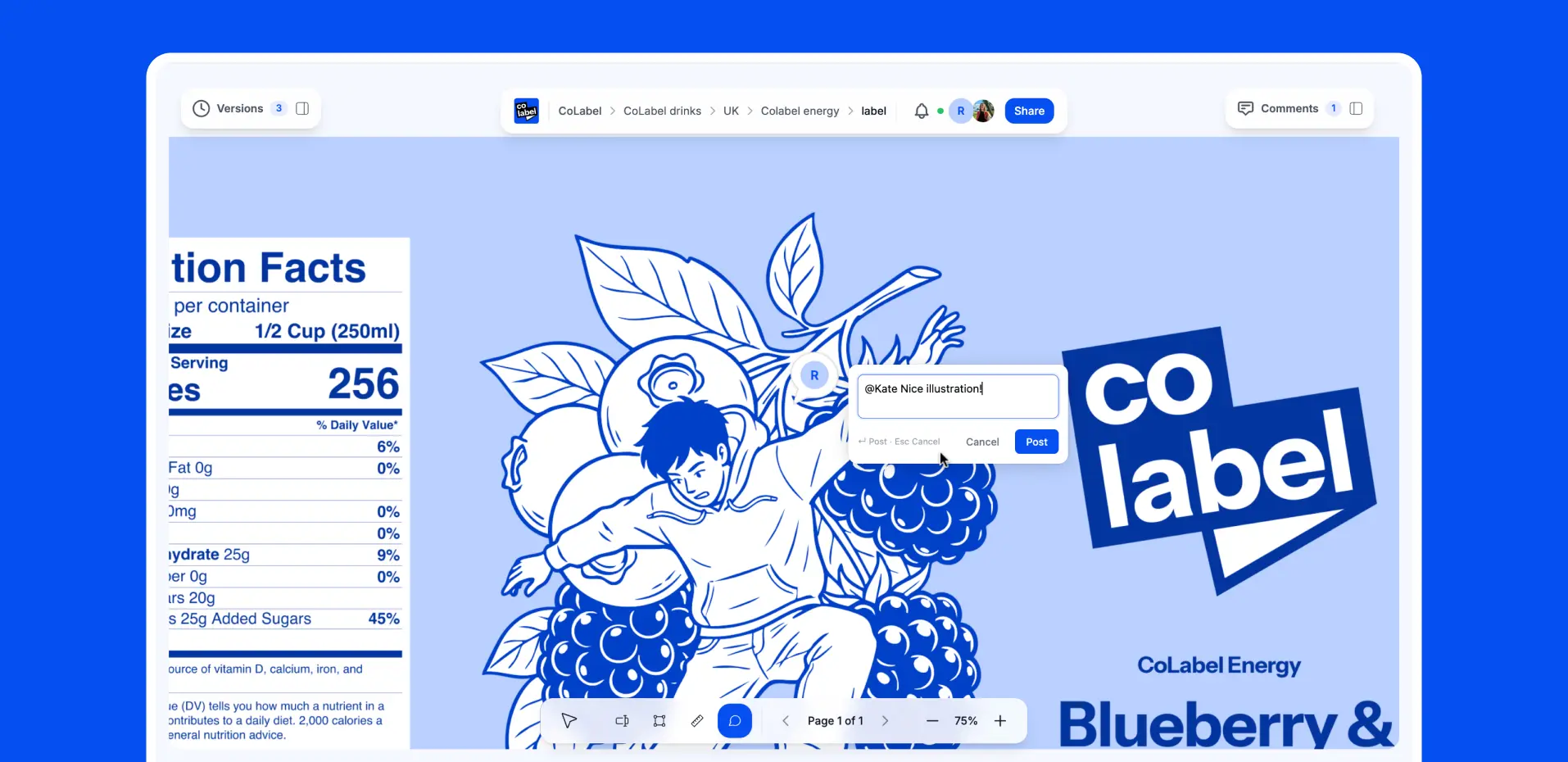
@Mentions & Notifications
Tag teammates with @mentions. They get instant notifications — email and in-app. No more "did you see my comment?" follow-ups.

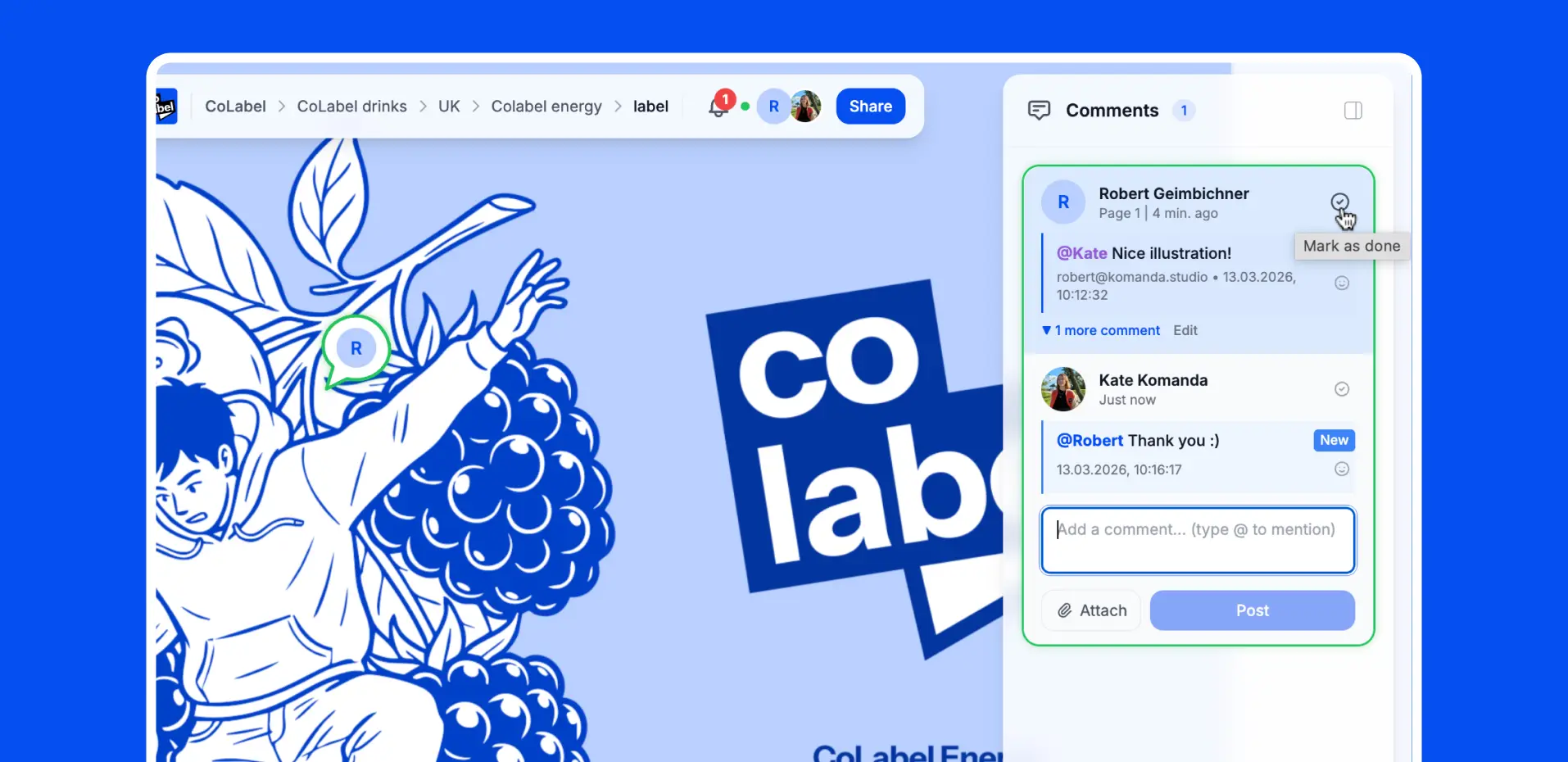
Comment Threads
Reply to comments. Have a quick discussion. Keep everything in context, attached to the exact spot on the label.
Highlight Text
Select any text on the label and highlight it. Add a note explaining the issue. Perfect for catching typos, wrong translations, or missing legal copy.
Draw & Markup
Draw rectangles, circles, arrows, or freehand. Mark up any visual element — logos, icons, images. Your annotations stay attached to the file, not lost in email.
Measure in Millimeters
Select any element and see its real print size in mm. Check if that barcode is big enough. Verify the minimum font size for compliance. No ruler needed.
Pin Comments Anywhere
Drop a pin anywhere on the PDF — on an image, on whitespace, on a gradient. Leave your comment exactly where it matters.
@Mentions & Notifications
Tag teammates with @mentions. They get instant notifications — email and in-app. No more "did you see my comment?" follow-ups.
Comment Threads
Reply to comments. Have a quick discussion. Keep everything in context, attached to the exact spot on the label.
Review together. Even when you're apart.
Open the same file with your team. See their cursors moving in real time. Jump on a call and point at the same element — like you're in the same room, looking at the same printout.
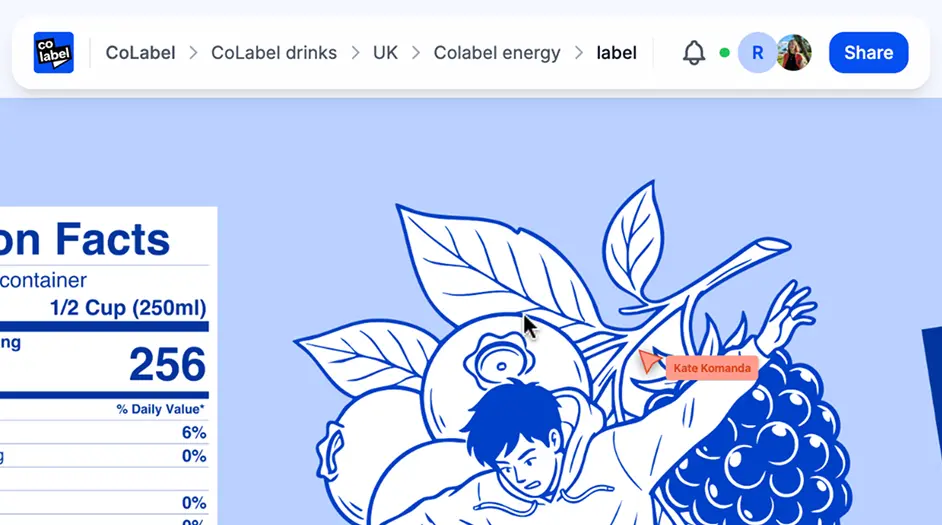
Every comment. Every decision. Saved.
Comments don't disappear when you resolve them. Full history stays attached to every version. Six months later, need to know why that ingredient was changed? Just check the comment history.
Feedback should be fast.
Not frustrating.
Start commenting on your first label in under a minute. Free for unlimited collaborators.
 Encrypted storage
 GDPR compliant
 No credit card needed
 Unlimited commenters